Trading
Private-Label Track Toys: What Can Be Customized?
Plan logo, packaging, instructions, color and configuration requests for private-label track toys, with a clear feasibility and artwork approval process.
Private-label track toy work can involve branding, packaging and instructions, as well as changes to colors or set contents. The workable scope depends on the selected item. Treat each change as a separate request so its feasibility, quantity requirement, cost and sample evidence can be reviewed.
Separate presentation changes from product changes
On a phone, swipe the table sideways to view all columns.
Request to discuss | Information the buyer should provide | Approval evidence |
|---|---|---|
Logo and retail-box artwork | Logo files, brand rules, packaging language and intended sales channel | A dated final artwork file and a print proof or packaging sample. |
Instructions and labels | Required languages, item reference and the exact functions to explain | Instructions checked against assembly and operation of the selected sample. |
Product or track colors | A physical or agreed color reference and the parts it applies to | A sample or agreed color approval method; a screen image alone can be misleading. |
Vehicle or accessory selection | The parts to keep, add or remove, identified by photo and component list | A revised parts list and sample review of the complete set. |
Retail-box format or internal packing | Shelf or parcel size limits and the proposed presentation | A packed sample showing fit, retention and protection. |
This is a project brief framework, not a promise that every change is available on every track toy. A change to a vehicle, connector or powered function can require a different review from a packaging change. Do not assume new tooling, exclusive designs or compatibility with another track system.
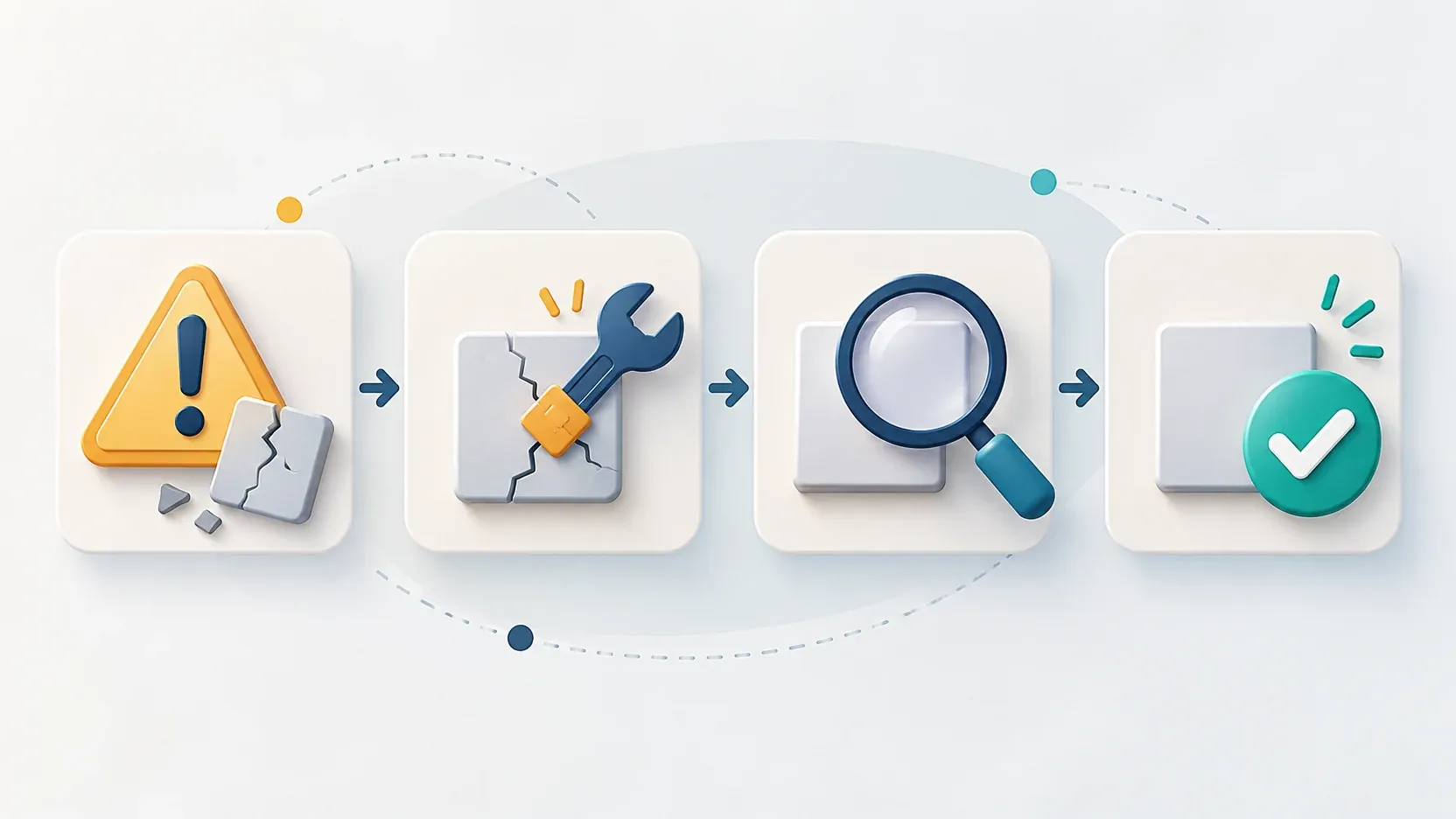
Use five approval steps
- Fix the base configuration. Attach the selected product image and item reference. List the included track sections, vehicle and scenery before designing the package.
- List the requested differences. Mark which requests are essential and which are optional. Keep branding changes separate from changes to the product itself.
- Review the commercial effect. Ask for the quantity requirement, one-time charges if any, sample scope and schedule for that version. Record what the quotation includes.
- Approve the product and artwork together. Check that every product claim and accessory shown on the box matches the agreed set. Review languages, warnings, barcode and importer information for the intended market with the responsible parties.
- Release one final version. Record the approver, date and file version. If a component changes later, reopen any related photo, instruction, packing or document checks.
A track-toy example
A dinosaur layout with a raised bridge and a simpler oval layout can have different contents. Green track color alone does not establish a matching configuration. If the artwork shows a bridge or additional vehicle, include it in the approved contents or change the artwork. For a Pink track set, approve the color reference separately from the package design; the color of a digital rendering does not establish the molded part color.
Keep the review easy to use
One requirement sheet should connect the item, photos, component list, requested changes, final artwork and unresolved decisions. Use the sample evaluation checklist before release and the product change guide if a later substitution is proposed. Start the selection with Dinosaur or Construction track toys.